
1
1. Connect Your Wallet
Ensure your wallet (e.g., Abstract Wallet, MetaMask) is connected to the PollyPrize dApp on the Abstract network. The “Connect Wallet” button is usually in the top right.
2
2. Navigate to the Raffle
Find the raffle you want to enter on the main list or via a direct link and go to its Detail Page.
3
3. Check Raffle Status & Requirements
Make sure the raffle status is “Active” and verify you meet any specific Gating Requirements listed on the page (e.g., holding a specific token, minimum PP).
4
4. Select Payment Currency
In the interaction panel, choose your desired payment method: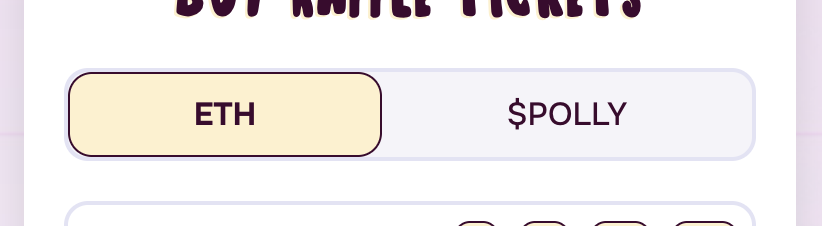
- ETH: If available, you can pay with the native Abstract ETH token.
- Accepted Token (e.g., $POLLY, $USDC): If available, you can pay directly with the specified ERC20 token. You must have enough of this token in your wallet.
5
5. Enter Number of Tickets
Input the number of tickets you wish to purchase. The estimated cost in your selected currency will update. Check if any Batch Bonuses apply!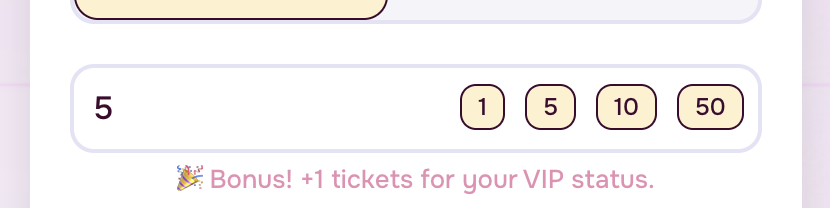
6
6. Approve Token (If Paying with ERC20)
If you chose to pay with an ERC20 token (like $POLLY or $USDC), an “Approve [Token Symbol]” button will appear.
- Click Approve.
- Your wallet will ask you to confirm a transaction granting the raffle contract permission to spend up to a certain amount of that token from your wallet for this specific purpose. This is a standard security step.
- Wait for the approval transaction to confirm on the blockchain. Learn more about Approving Tokens.
For safety reason, we only ask you to approve the amount you are going to spend. This means you will need to approve again every time you pay with a given token.
7
7. Buy Tickets
Once any necessary approval is done (or if paying with ETH), the “Buy X Tickets” button will be active.
- Double-check the number of tickets and the total cost.
- Click Buy Tickets.
- Your wallet will pop up again, asking you to confirm the final transaction. Review the details (especially the gas fee and amount being sent if paying ETH).
- Click Confirm.
8
8. Wait for Confirmation
The transaction is now being sent to the blockchain. You can usually track its progress via a link to the block explorer (like Abscan) provided by the dApp or your wallet. Once confirmed, your tickets are officially entered! Your ticket balance on the Raffle Detail page should update shortly.